

Automated assembly
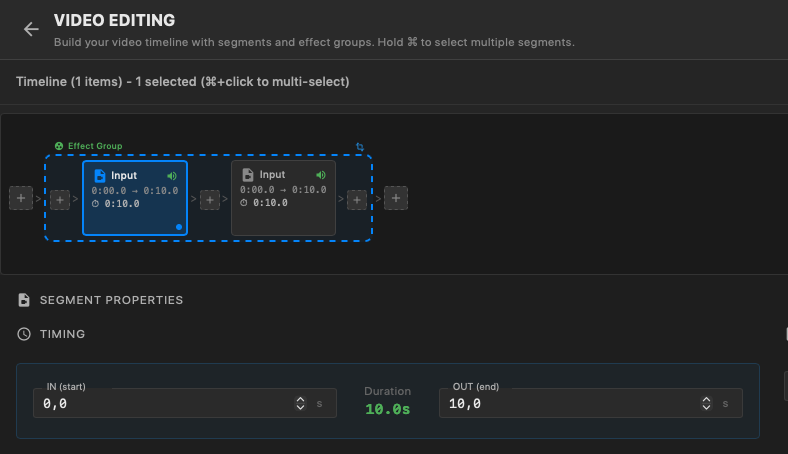
Intros, outros, and smooth transitions are added automatically to build a complete, polished video for every guest — no manual timeline work and no editor sitting at the venue. Each clip comes out ready to send.
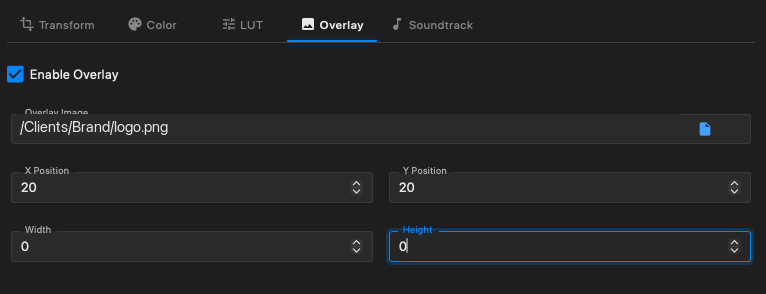
Logo & watermark
Your client’s logo and a watermark are applied consistently across the whole batch, so every single video is on-brand without anyone touching it. Position and styling are configured once per project.
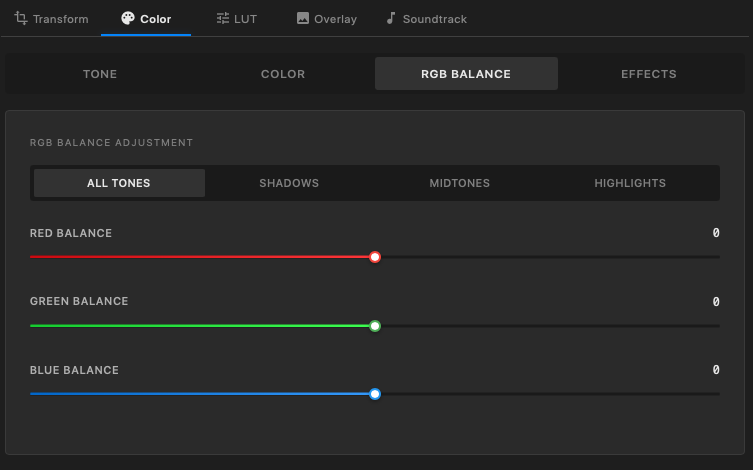
Color grading
Apply a LUT or fine-tune tone, color, and RGB balance — separately for shadows, midtones, and highlights — so every clip in the batch carries the same look as your client’s campaign. Set it once per project and it is applied automatically to every video.
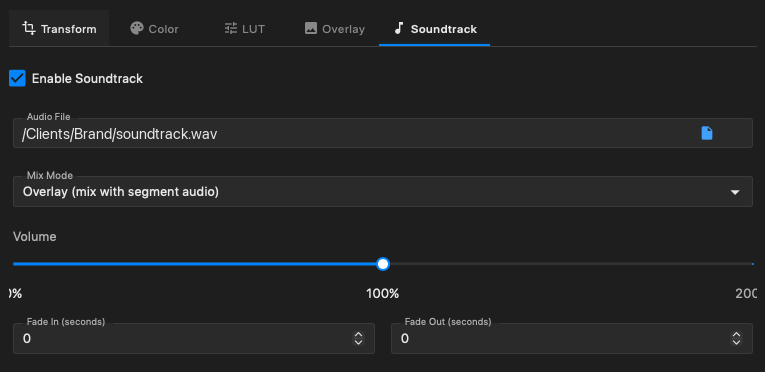
Soundtrack
Drop in custom soundtracks and background music so each video lands with the right energy and matches the mood of the activation.
Time ramping
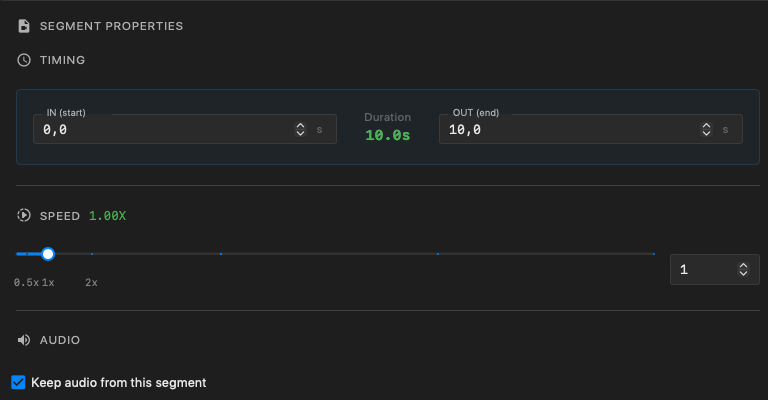
Dynamic slow-motion and speed-up effects add cinematic flair automatically, turning a straight capture into something that looks produced.
See it on your next event.
Create your first project for free and put Glambot Studio to work on your next activation.